Ricatech RR1000 User Manual
Browse online or download User Manual for Jukeboxes Ricatech RR1000. Ricatech RR1000
- Page / 21
- Table of contents
- BOOKMARKS

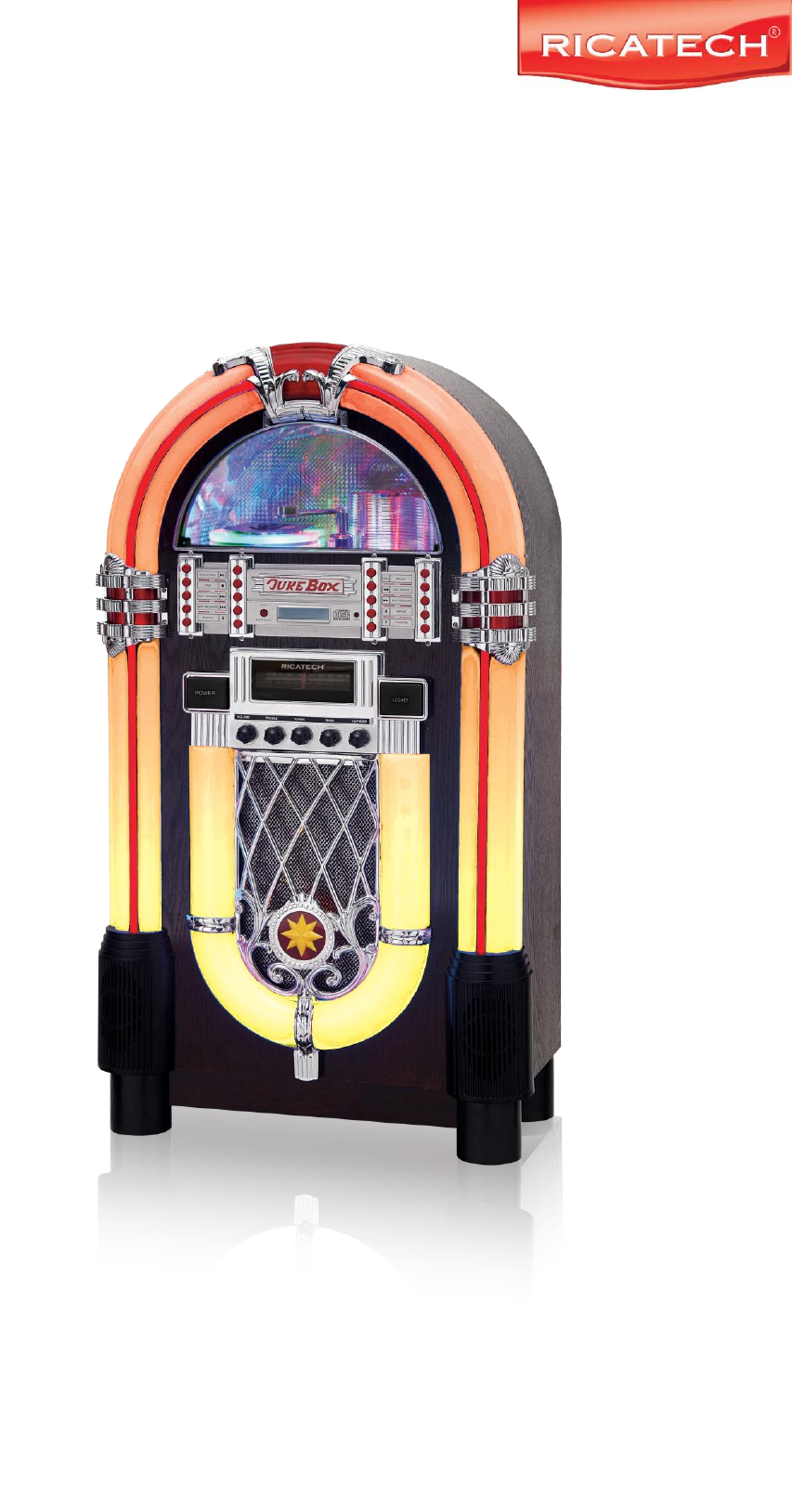
Summary of Contents
USER MANUAL GEBRUIKERSHANDLEIDING BEDIENUNGSANLEITUNG RR1000 multi media retro LED jukebox XXL
10 indicator op het CD controle menu zal gaan oplichten. 2. Om te hervatten druk nogmaals op de MUTE knop en de MUTE indicator zal uit gaan. RADIO
11 Garantie: Ricatech BVstaat garant voor alle producten (Excl. accessories) met een 2 jarige garantie periode die geldig is voor alle defecten v
12 Si un problème survient, débranchez le câble d’alimentation CA et contactez un professionnel qualifié. Ne posez rien direc
13 MODE D’EMPLOI FONCTIONS DE LA TELECOMMANDE (SEULEMENT POUR LE LECTEUR CD) LECTURE/PAUSE STOP PISTE SUI
14 PROGRAMME PRG POUR LIRE UN CD 2. Ouvrez la PORTE CD en forme de
15 UTILISATION DE LA RADIO 2. Ajustez le son avec la molette VOLUME. 3. Effectuez le
16 Warranty: Ricatech BV covers all products (Excl. accessories) with a 2 year warranty applying to all faults caused by a factory-error. External
17 Bei Problemen, ziehen Sie immer zuerst den Netzstecker aus der Steckdose und wenden Sie sich and ausgebildetes Wartungspersonal.
18 BEDIENUNGSANLEITUNG FERNBEDIENUNG (NUR FÜR CD-PLAYER) Wiedergabe/Pause Stopp Vor Zurück Schnellvorlauf
19 WIEDERGABE EINER CD 1. Schalten Sie das Gerät ein und stellen Sie den MODE SELECTOR auf CD. 2. Öffnen Sie das halbkreisförmige CD-Ladefach. 3. St
2 Should any trouble occur, disconnect the AC power cord and refer servicing to a qualified technician. Do not place anything directly on th
20 RADIO 5. Stellen Sie den MODE SELECTOR auf das von Ihnen gewünschte Frequenzband. 6. Stellen Sie die Lautstärke mit dem Lautstärkeregler ein. 7
21 Warranty: Ricatech BV covers all products (Excl. accessories) with a 2 year warranty applying to all faults caused by a factory-error. External p
3 USER MANUAL REMOTE CONTROL FUNCTION (FOR CD PLAYER ONLY) PLAY/PAUSE STOP SKIP FORWARD SKIP BACKWARD FAST FORWAR
4 TO PLAY A CD 1. Press the POWER switch and select MODE SELECTOR to CD. 2. Flip o. 3.
5 RADIO OPERATION 1. Set the MODE selector to your desired band. 2. Adjust the sound with the VOLUME knob. 3. Tune to the desired radio station by
6 Warranty: Ricatech BV covers all products (Excl. accessories) with a 2 year warranty applying to all faults caused by a factory-error. External ph
7 Mochten er problemen ontstaan koppel de AC kabel dan los en verwijs voor verdere behandeling naar een gekwalificeerde technicus. Plaats nik
8 GEBRUIKERSHANDLEIDING REMOTE CONTROL FUNCTION (FOR CD PLAYER ONLY) PLAY/PAUSE (AFSPELEN/PAUZE) STOP (STOP) SKIP FORWARD (VOORUIT SPOELEN) SKI
9 OM EEN CD AF TE SPELEN 1. Druk op de POWER knop and selecteer MODE SELECTOR en dan CD. 2. . 3.
© 2020, manymanuals.com. All rights reserved. | 0.028 s |
 Manymanuals.com
 Manymanuals.de
 Manymanuals.fr
 Manymanuals.it
 Manymanuals.pl
 Manymanuals.cz
 Manymanuals.es
 Manymanuals-pt.com
Comments to this Manuals